
Executive Presence on Video Calls
Executive presence on video calls comes from the same qualities as in person, composure, clarity and connection, but the camera narrows the signals people can read. Look at the lens when you make key points, frame yourself at eye level with good light, speak in shorter blocks and take part actively rather than waiting your turn. Small technical and behavioural choices change how senior you come across.
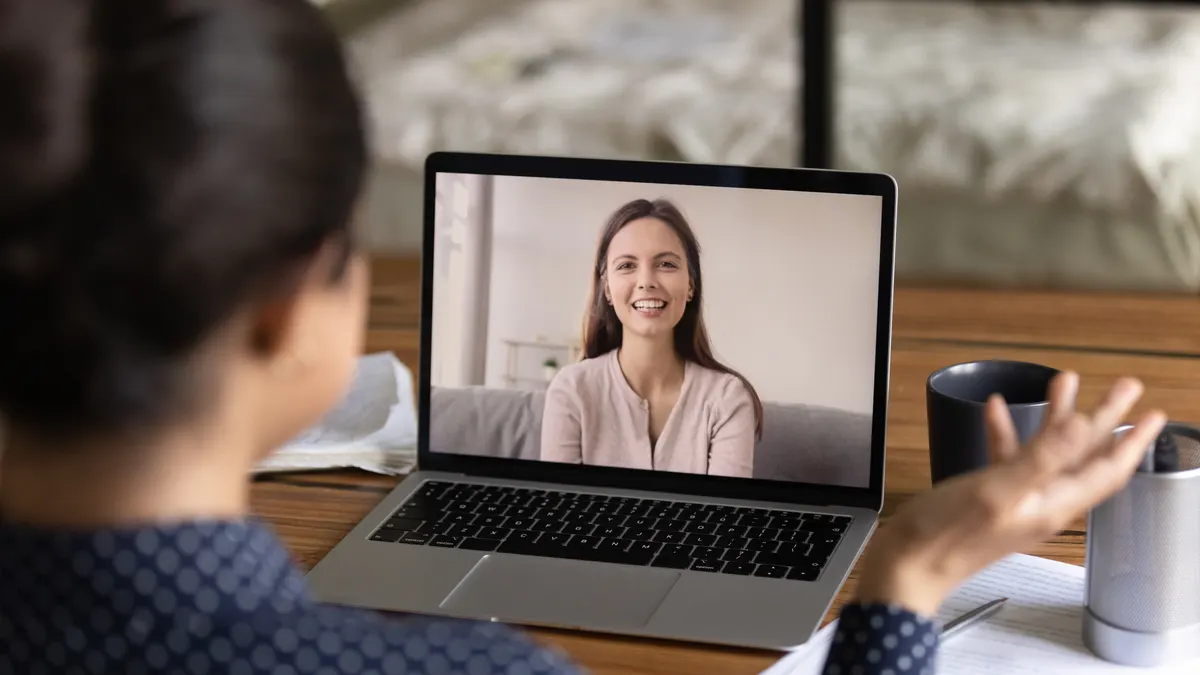
Many leaders who command a room in person seem smaller on screen. Their ideas are just as strong, but a dark picture, a camera angle from below and long, unbroken answers make them easy to tune out. The good news is that video presence is more learnable than in-person presence, because more of it is under your direct control.
The camera removes most of the cues people use to read you
In a meeting room, people judge presence from posture, movement, eye contact, voice and how you take up space. On a call they see a small rectangle, often among many others, with a slight delay. Most body language is lost, eye contact is distorted, and attention competes with email and messages on the same screen.
That means the cues that remain carry more weight. Your face, your voice, your opening sentence and your timing do most of the work. Leaders who appear confident on video are usually deliberate about those few things.
Set up your frame before the call starts
A professional set-up does not require expensive equipment. It requires five minutes of attention once, and a quick check before important calls.
| Element | Aim for | Avoid |
|---|---|---|
| Camera height | Lens at eye level, so you look straight ahead | A laptop on the desk, which shows the ceiling and looks down on people |
| Light | Soft light in front of you, such as a window or lamp behind the screen | A bright window behind you, which turns you into a silhouette |
| Framing | Head and shoulders, with a little space above your head | Only your forehead, or so far back you look distant |
| Background | Simple and tidy, or a plain blur | Distracting movement, clutter or unusual virtual scenes |
| Sound | A headset or external microphone in a quiet room | Echoing rooms and laptop microphones picking up typing |
| Connection | A wired connection for important calls where possible | Joining from a car or corridor for a senior meeting |
Speak for the screen, not for the room
Spoken habits that work in person often fall flat online. These adjustments make your contributions easier to follow and harder to ignore.
Lead with the point
State your conclusion in the first sentence, then support it. Online attention is thin, and people may drift before a slow build reaches the point.
Speak in shorter blocks
Pause every thirty to sixty seconds. Long monologues are harder to follow on video and leave no space for others to engage.
Look at the lens for key sentences
Looking at faces on screen makes you appear to look away. For your most important lines, look into the camera so others feel you are speaking to them.
Allow for the delay
Leave a beat after questions and before you reply. It avoids talking over people and makes you sound measured.
Use names
'Fatima, I would value your view on this' brings people in and shows you are tracking the conversation, not just waiting to speak.
Close with a summary
End your contribution with one line: 'So my recommendation is to pause the launch by a month.' People remember the last thing they heard.
Hold attention when you are not chairing the call
In large calls, presence is often lost by waiting for a natural gap that never comes. Being present means taking part early and deliberately, without dominating.
Speak within the first ten minutes, even briefly, so you are part of the conversation rather than an observer. Use the raise-hand function or a short verbal signal: 'Can I add one point before we move on?' If you are cut off, come back once, calmly: 'I would like to finish the point on cost, because it affects the decision.' Use the chat to share a link or figure, but make your main contributions by voice. Keep your camera on and your expression engaged while others speak; people notice who is listening.
Video presence across Gulf time zones and working patterns
Many Gulf-based leaders join regional or global calls with colleagues in Europe, Asia and the Americas. That can mean early or late calls, where tiredness shows on camera before it shows anywhere else. Protect your most important calls by scheduling them at times when you can be alert, and keep calls at the edges of the day for updates rather than decisions.
During Ramadan, working hours often shorten and energy patterns shift. Agreeing camera norms and shorter meetings with the team during that month is considerate and practical. In teams that switch between Arabic and English, a brief written summary after the call helps everyone leave with the same understanding.
Habits that drain presence on screen
- Watching yourself. Hiding self-view after a quick check helps you focus on others rather than on your own image.
- Visible multitasking. Eyes moving across another screen or the sound of typing tells everyone your attention is elsewhere.
- Joining with the camera off when others are on. In a senior meeting this can read as disengagement, unless there is a clear reason.
- Apologising for technology at length. A short 'one moment' is enough. Long apologies drain confidence.
- Reading slides aloud. On a shared screen, people can read faster than you speak. Talk about what the slide means.
Picture this: a regional director presenting to global leadership
Consider a hypothetical regional director in Bahrain presenting quarterly results to a global leadership team on a video call. In past quarters she has joined from her laptop at her desk, read her slides and waited to be asked questions. Feedback suggests she is 'solid but quiet'.
This quarter she raises the camera to eye level, adds a lamp in front of her, and opens with: 'The region is ahead of plan, and I want to ask for one decision on hiring.' She speaks in short blocks, looks at the lens when she makes the ask, and invites a specific executive in by name. The hiring decision is made on the call.
Nothing about her results changed. What changed was how easily the people on the other side of the screen could follow and remember her.
Building presence that carries across every format
Technical fixes take you a long way on video, but lasting presence comes from inside: composure under pressure, clarity about what you think and confidence that your contribution matters. When those are in place, they show on any screen.
Executive presence coaching works on both the visible signals and the inner habits behind them, in person or online. To understand the qualities people respond to, read what executive presence is, or take the executive presence self-assessment to see where to focus first.
Rula Husseini is an Executive Leadership & Mindset Coach (ICF PCC) based in Manama, Bahrain, with 26+ years in leadership, HR and talent development and 4,500+ coaching hours. She coaches executives, emerging leaders and teams in Arabic and English, in person and online.
Credentials and training →Frequently asked questions
Should I keep my camera on in every meeting?
Follow the norm of the meeting, but default to camera on for senior meetings, presentations and any conversation where trust matters. Camera off is reasonable for large information sessions or when bandwidth is poor. If you need to turn it off, say so briefly.
Is it acceptable to use notes on a video call?
Yes, and it is one advantage of the format. Place short bullet notes close to your camera so your eyes stay near the lens. Avoid reading full sentences, which makes your voice flat and your gaze obvious.
How can introverted leaders build presence on video?
Video can suit introverts well, because preparation matters more than spontaneity. Prepare two or three points in advance, contribute early so you do not wait for a gap, and use names to bring others in. A strong question can create as much presence as a long contribution.
What should I do if someone keeps talking over me on calls?
Wait for them to pause, then come back calmly and use their name: 'Ahmed, I would like to finish my point.' If it happens repeatedly, raise it privately or ask the chair to manage turn-taking. Mention it early rather than letting frustration build.
Related
Executive Presence Coaching
Executive presence coaching for senior leaders who want gravitas, composure and a steady voice in board and leadership rooms. In person in Manama or online.
What Is Executive Presence?
Executive presence explained: what it is made of, what quietly undermines it, how it works in Gulf workplaces and how leaders can build it deliberately.
Executive Presence Self-Assessment
Rate 12 everyday habits behind executive presence, from clarity to composure, and get an instant score with the one area to work on first.
How to Speak Up in Executive Meetings
How to speak up in executive meetings: prepare one point per agenda item, contribute early, lead with your conclusion and use phrases that get you heard.
How to Lead a Hybrid Team
How to lead a hybrid team well: decide what office days are for, agree a team charter, run fair meetings and keep remote colleagues visible.
Want to come across as senior on screen as you do in person?
Book a free 30-minute discovery call, online, and we can talk about your presence.